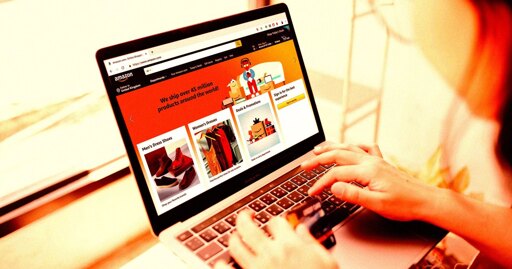
If you’re curious what kind of haphazard observations Amazon is keeping on you, you can pull up the page by clicking on the “Account” link under the Account & Lists drop down menu. Scroll to the bottom of the page you land on and click a small link that says “manage your information” and there you have it. On mobile, you click on the profile account icon on the bottom bar, hit “Account,” then “Shopping preferences,” and then “About you.”
If you’re curious what kind of haphazard observations Amazon is keeping on you, you can pull up the page by clicking on the “Account” link under the Account & Lists drop down menu. Scroll to the bottom of the page you land on and click a small link that says “manage your information” and there you have it. On mobile, you click on the profile account icon on the bottom bar, hit “Account,” then “Shopping preferences,” and then “About you.”
If you’re curious what kind of haphazard observations Amazon is keeping on you, you can pull up the page by clicking on the “Account” link under the Account & Lists drop down menu. Scroll to the bottom of the page you land on and click a small link that says “manage your information” and there you have it. On mobile, you click on the profile account icon on the bottom bar, hit “Account,” then “Shopping preferences,” and then “About you.”


Look inside.
Article does not contain instructions on how to check yours.
It doesn’t tell you. You have to read the words.
My account has no such link…
It’s not available in every country
/u/[email protected] posted the link and that works.
https://www.amazon.com/slc/hub?useAiMode=1
No indication where this “Account & Lists” drop down is.
It does
It’s sort of buried in the middle: